Wireframing for solo devs & AI-assisted builders
Roughflow is a mobile-first wireframing app for phone, tablet, and desktop. Drop in rough shapes, tag their semantic role, wire up navigation between screens, then export a clean, structured spec that hands straight to Claude Code or Codex.
Web app is live now. Native iOS, iPadOS & Android apps coming soon.
The thesis
A polished starting frame makes it psychologically uncomfortable to leave anything rough. Roughflow gives you a blank frame and a handful of primitives, nothing to live up to.
You never search a library for a "settings icon." Draw a square,
tag it icon, name it "settings" in the layers view.
The annotation is the icon, and that's what makes the export mean
something.
Nothing snaps to a fixed template size. Nothing forces a resize to "fit." This is the one place native wireframe apps kill momentum: Roughflow is built to never ask you to stop and get it right.
This app is deliberately not a Figma or Balsamiq competitor, and not a high-fidelity mockup tool. Constrained flat primitives, a closed role vocabulary, zero polish: on purpose, so ideation stays fast.
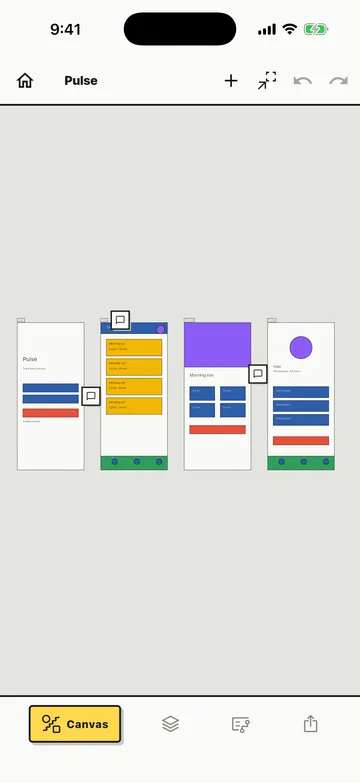
Canvas
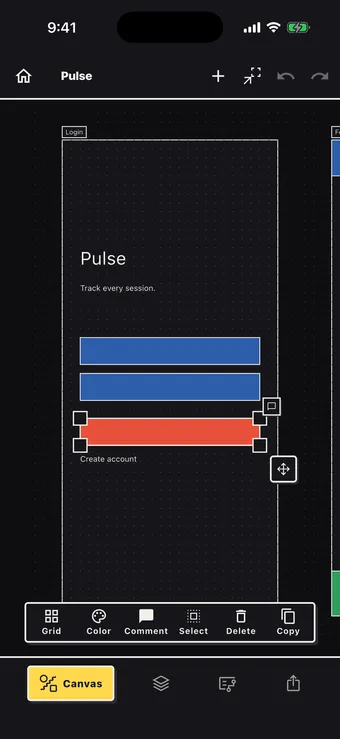
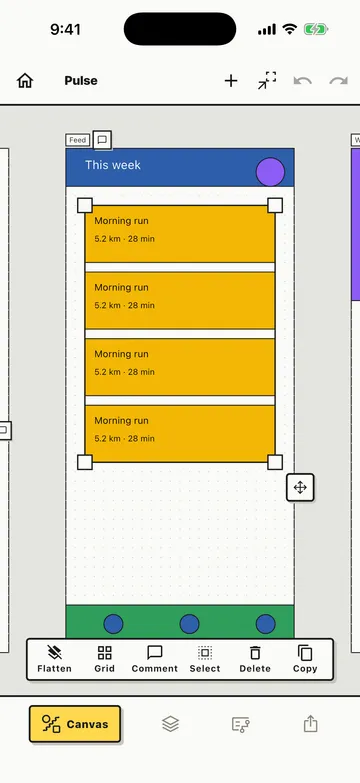
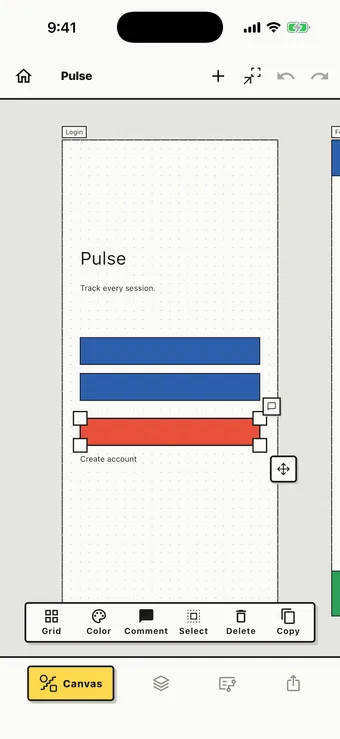
Five primitives (rect, circle, text, line, image) are the whole vocabulary. Drop them into a phone, tablet, or desktop frame, then move a selection with its floating drag handle and resize from the corners: everything lands on the same 16px grid the export is quantized to. Plain drags pan the canvas, so nothing shifts by accident. No icon search, no template sizing to fight.
Layers
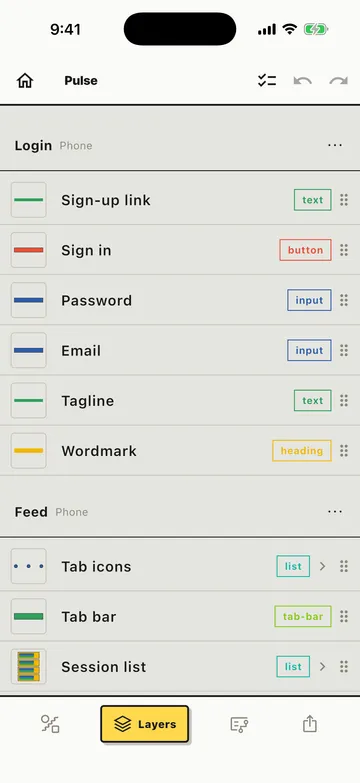
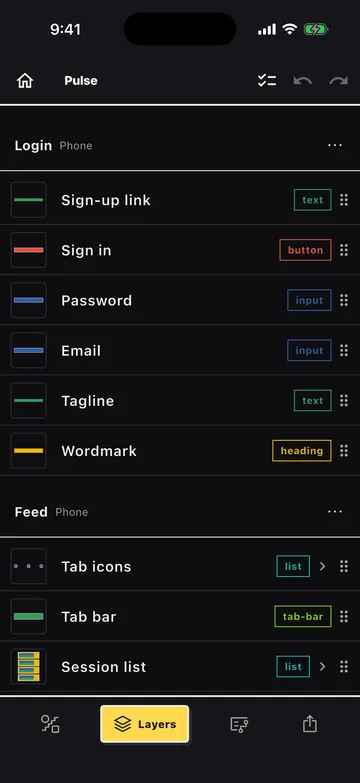
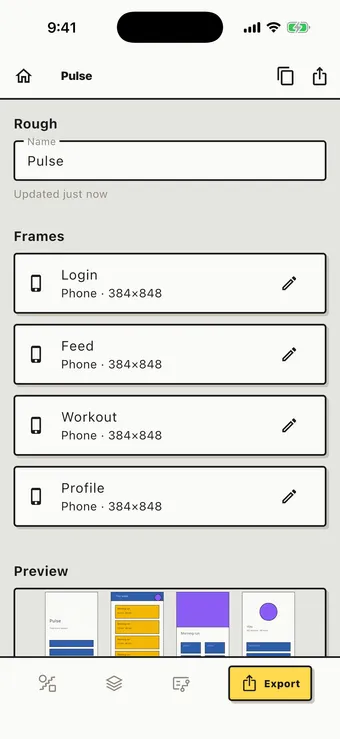
Every element on canvas shows up here: thumbnail, name, role, indent for stacking order. Flat clusters accordion inline; a repeater or nested group pushes into its own screen, Settings-app style: deep containers stay one tap away instead of nesting indentation forever. It's also where you leave a note on anything, so the intent travels with the spec instead of living in your head.
Semantic roles
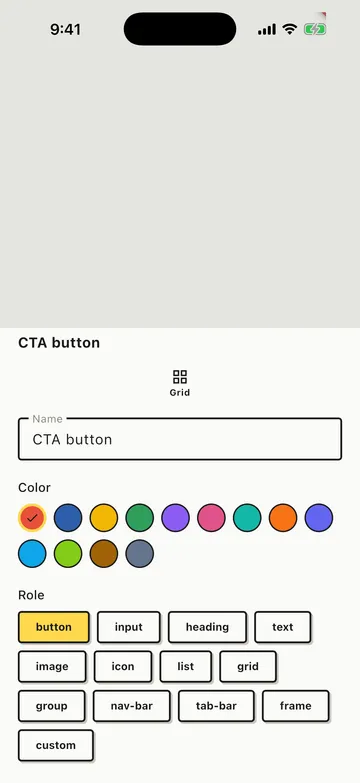
You never search a library for a "settings icon." Draw a square, tag
it icon, name it "settings." The closed set,
button, input, heading, text, image, icon, list, grid, group,
nav-bar, tab-bar, frame, keeps the export unambiguous; a
custom escape hatch covers anything the enum doesn't,
flagged lower-confidence on the way out.
Repeaters
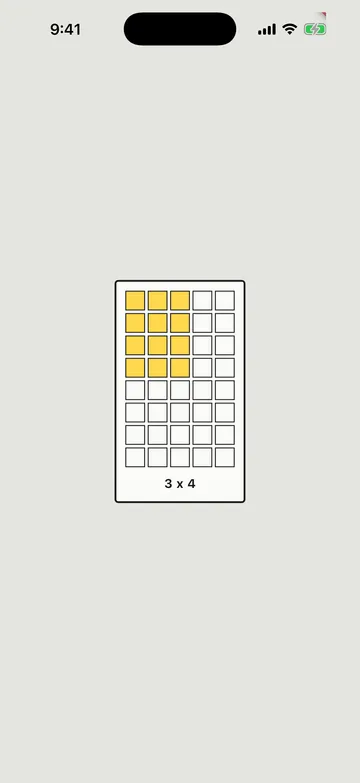
Lists and grids aren't primitives: they're repetition containers. Take one child (a primitive or a group) as the template, drag across the matrix picker to set columns and rows, and Roughflow lays out the rest. No more clone-and-eyeball-the-spacing. A list is just a grid one column wide, so there's only ever one thing to learn.
Flow
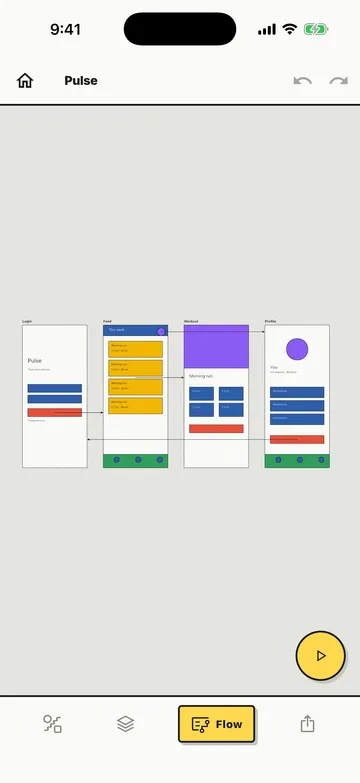
Link a button, a nav-bar item, or a list template to the frame it opens. Flow edges are element-anchored, not just frame-to-frame, so the export knows exactly which tap triggers which navigation, and your agent can wire the real thing the same way.
Light & dark
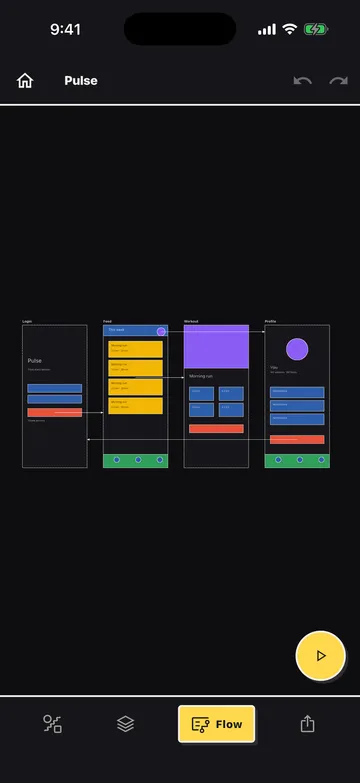
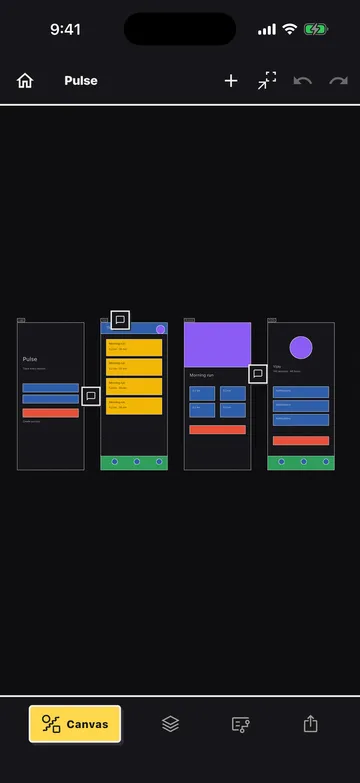
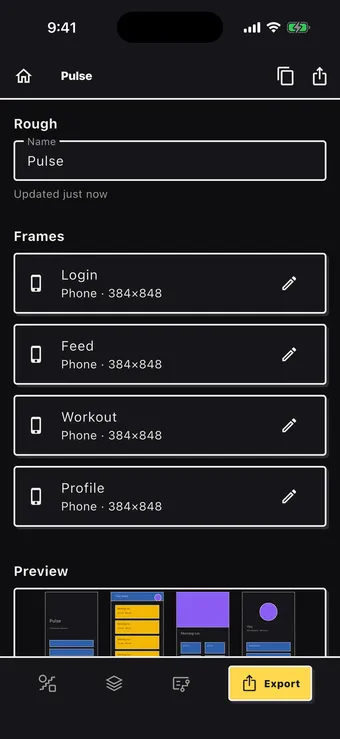
Canvas, layers, and flow all follow system appearance: same paper, ink, and accent relationships in both directions, never a washed-out dark mode bolted on afterward.
The killer feature
Every Rough exports to a clean, structured YAML spec: frame sizes, element trees, semantic roles, list/grid repetition, flow edges between screens. Hand it directly to Claude Code or Codex and it scaffolds real components, not a guess from a screenshot.
# Roughflow spec v1
# schema: https://roughflow.com/llms.txt
rough: "Checkout flow"
exported: 2026-07-19T14:02:11.000Z
scope: full
frames:
- id: frame-1
name: "Cart"
device: phone
size: {w: 384, h: 848}
elements:
- id: el-navbar
type: rect
role: nav-bar
name: "Top bar"
frame: {x: 0, y: 0, w: 384, h: 64}
- id: el-heading
type: text
role: heading
text: "Your cart"
frame: {x: 16, y: 80, w: 200, h: 32}
- id: el-list
type: group
role: list
name: "Cart items"
frame: {x: 16, y: 128, w: 352, h: 480}
children:
- id: el-item-template
type: group
frame: {x: 0, y: 0, w: 352, h: 64}
children:
- id: el-item-thumb
type: rect
role: image
frame: {x: 0, y: 0, w: 64, h: 64}
- id: el-item-title
type: text
role: text
frame: {x: 80, y: 8, w: 200, h: 20}
repeat: {cols: 1, rows: 4, gap: 16, gap_cross: 0}
- id: el-checkout-btn
type: rect
role: button
name: "Checkout"
frame: {x: 16, y: 760, w: 352, h: 56}
- id: frame-2
name: "Checkout"
device: phone
size: {w: 384, h: 848}
elements: []
flow:
- from: {element: el-checkout-btn, frame: frame-1}
to: frame-2
Full schema reference for agents: roughflow.com/llms.txt
Get the app
Roughflow's web app is live now. Open it and start wireframing. Native iOS, iPadOS, and Android apps are coming soon.
Open Roughflow app.roughflow.com